Adjusting the Colour Display
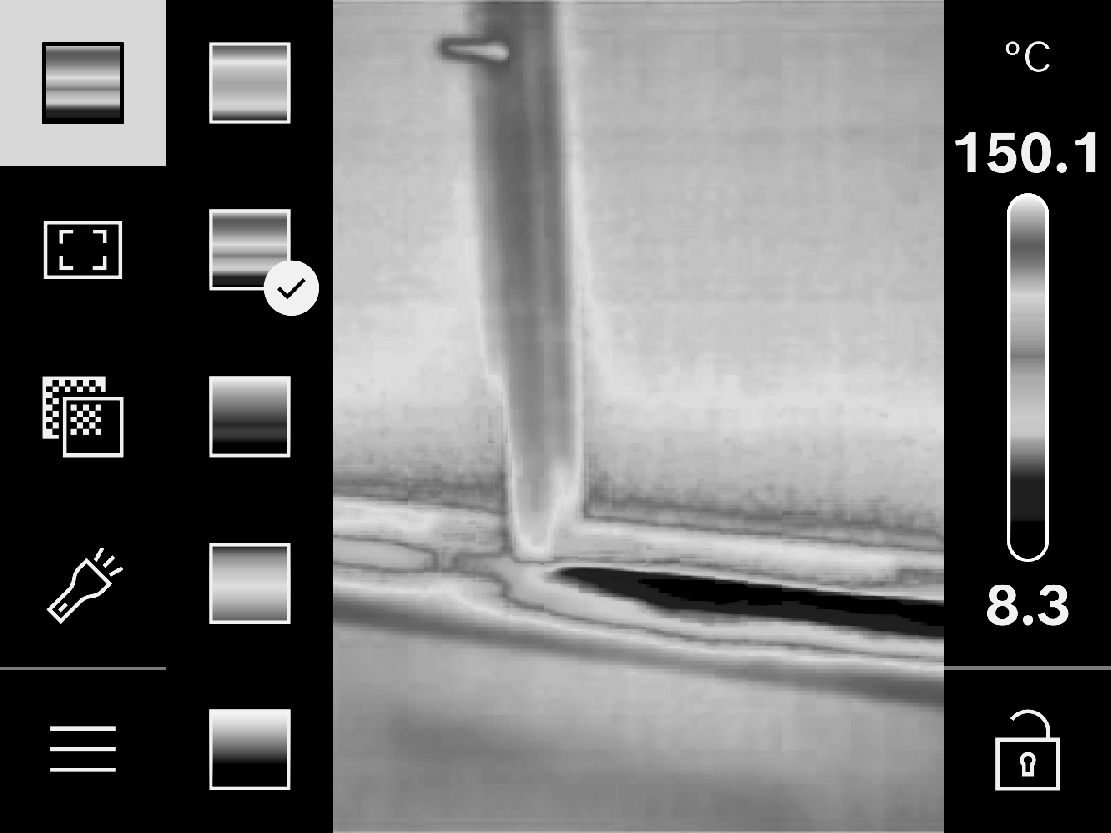
Depending on the measurement conditions, different colour palettes may make it easier to analyse the thermal image and display objects or circumstances more clearly in the display. This does not affect the measured temperatures. The only change is the way in which the temperature values are displayed.
To switch the colour palette, open the side bar and browse to the "Colour palette" menu item. Confirm your selection by pressing the centre of the multi-function button (17).