Errors – Causes and Corrective Measures
In the event of a fault, the measuring tool will restart and can then continue to be used. If the fault persists, the following overview may help you.
Error | Cause | Corrective measure |
|---|---|---|
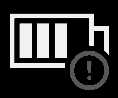
Measuring tool cannot be switched on. | Battery pack/batteries empty | Charge the battery pack or change the batteries. |
| Battery (pack) fault | Change the batteries or the rechargeable battery pack. |
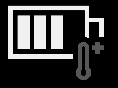
| Battery pack/batteries too hot or too cold | Allow the battery pack to reach the correct temperature or change the battery pack or batteries. |
| Measuring tool too hot or too cold | Allow the measuring tool to reach the correct temperature. |
Measuring tool cannot be connected to a computer. | USB port or USB cable defective | Check whether the measuring tool can be connected to a different computer. If it cannot, send the measuring tool to an authorised Bosch after-sales service centre. Note: Always use the USB cable included in the scope of delivery. |
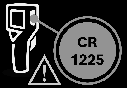
| Coin cell empty | Change the coin cell see Changing the Coin Cell (see figure C). Confirm the change with "OK" by pressing the centre of the multi-function button (17). |